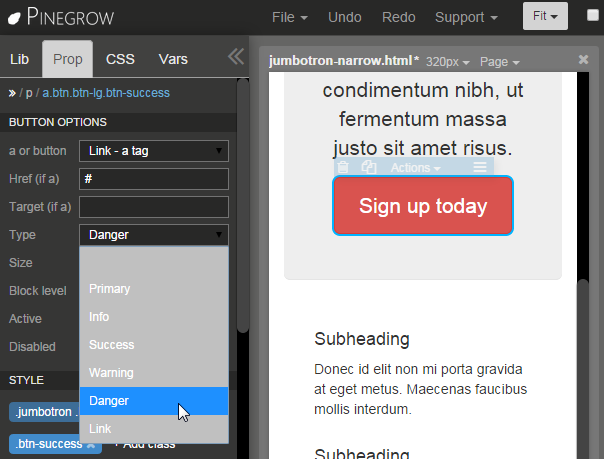
Changing the color of Bootstrap buttons in Pinegrow
The Bootstrap framework comes with several classes of button color. To change a button color in Pinegrow, do the following:
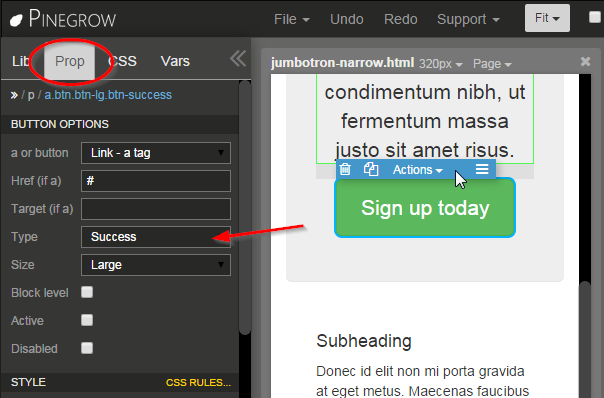
- Select the button you want to change with the mouse
- Open the Properties (Prop) tab
- In the Properties under Button Options, click the dropdown for Type
- Choose from one of the six available types / colors
- Primary (Blue)
- Info (Light Blue)
- Success (Green)
- Warning (Orange)
- Danger (Red)
- Link (Transparent)
- Once selected the button color will change.